A database that’s on your side.
Tabla is for the spreadsheet that got too big, and the database you’ve been meaning to build. It’s the system your work runs on — fast at a hundred thousand records, and yours to export any day.
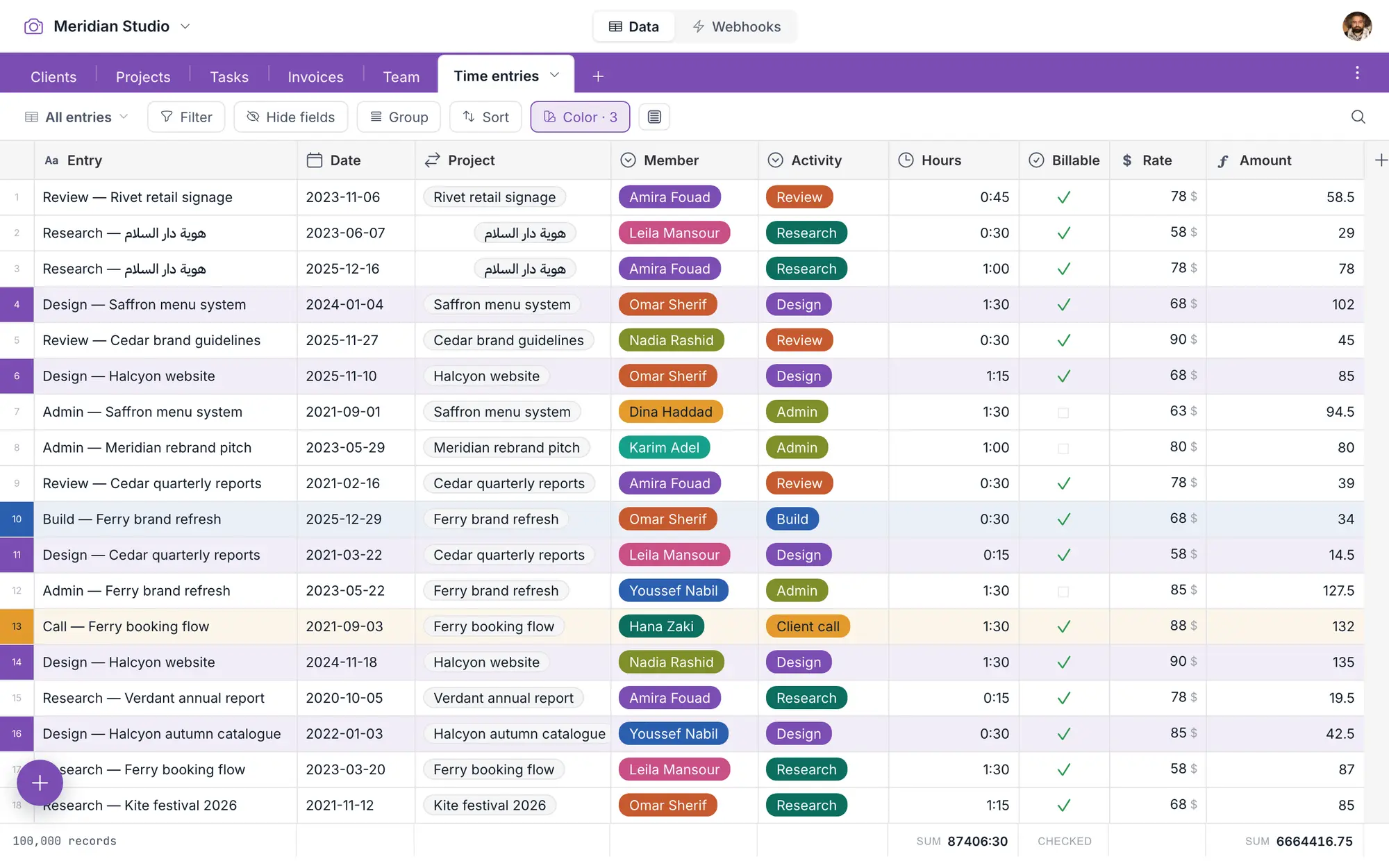
- Never slowFast as your data grows.
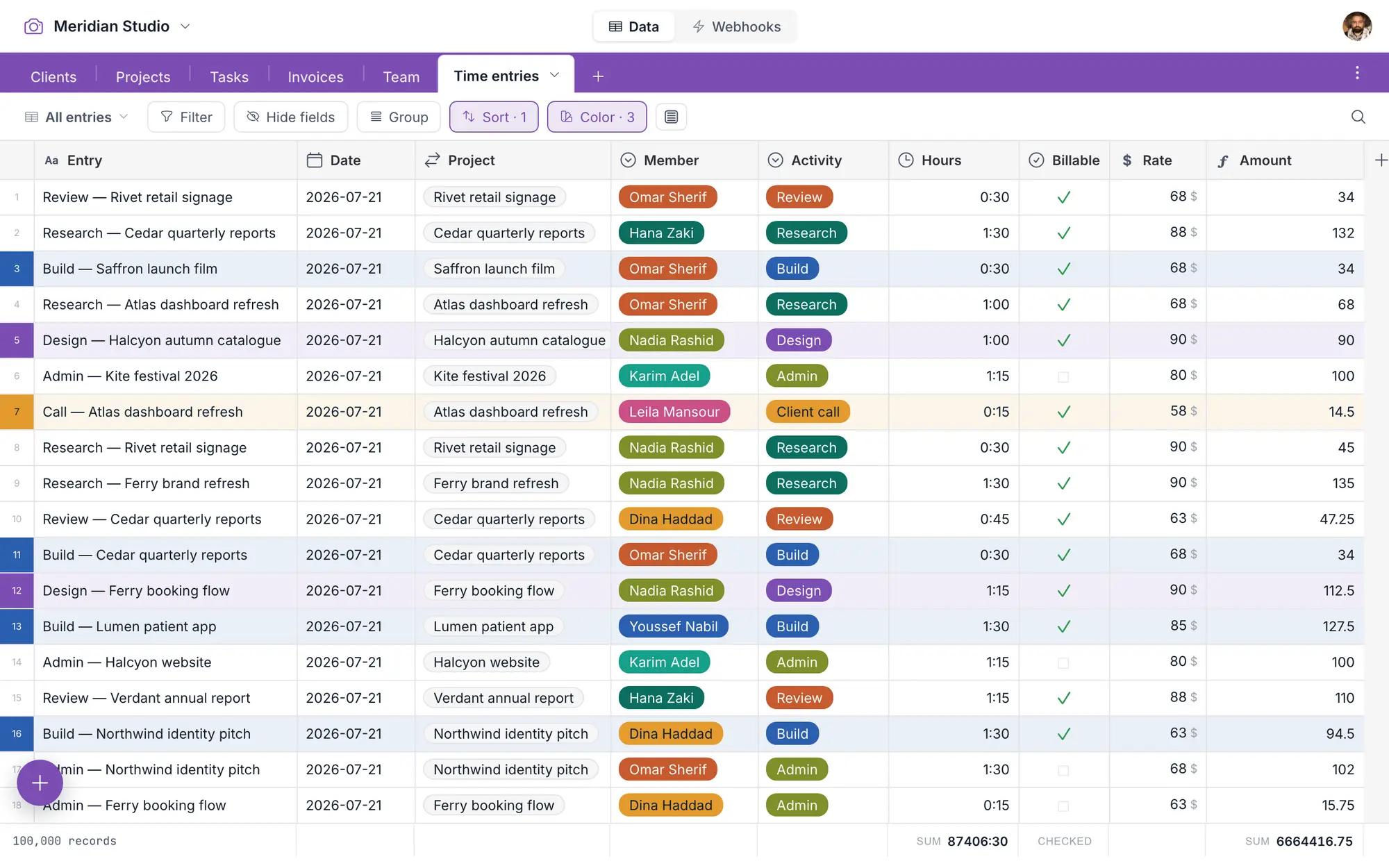
- Never rationedEvery feature, nothing gated.
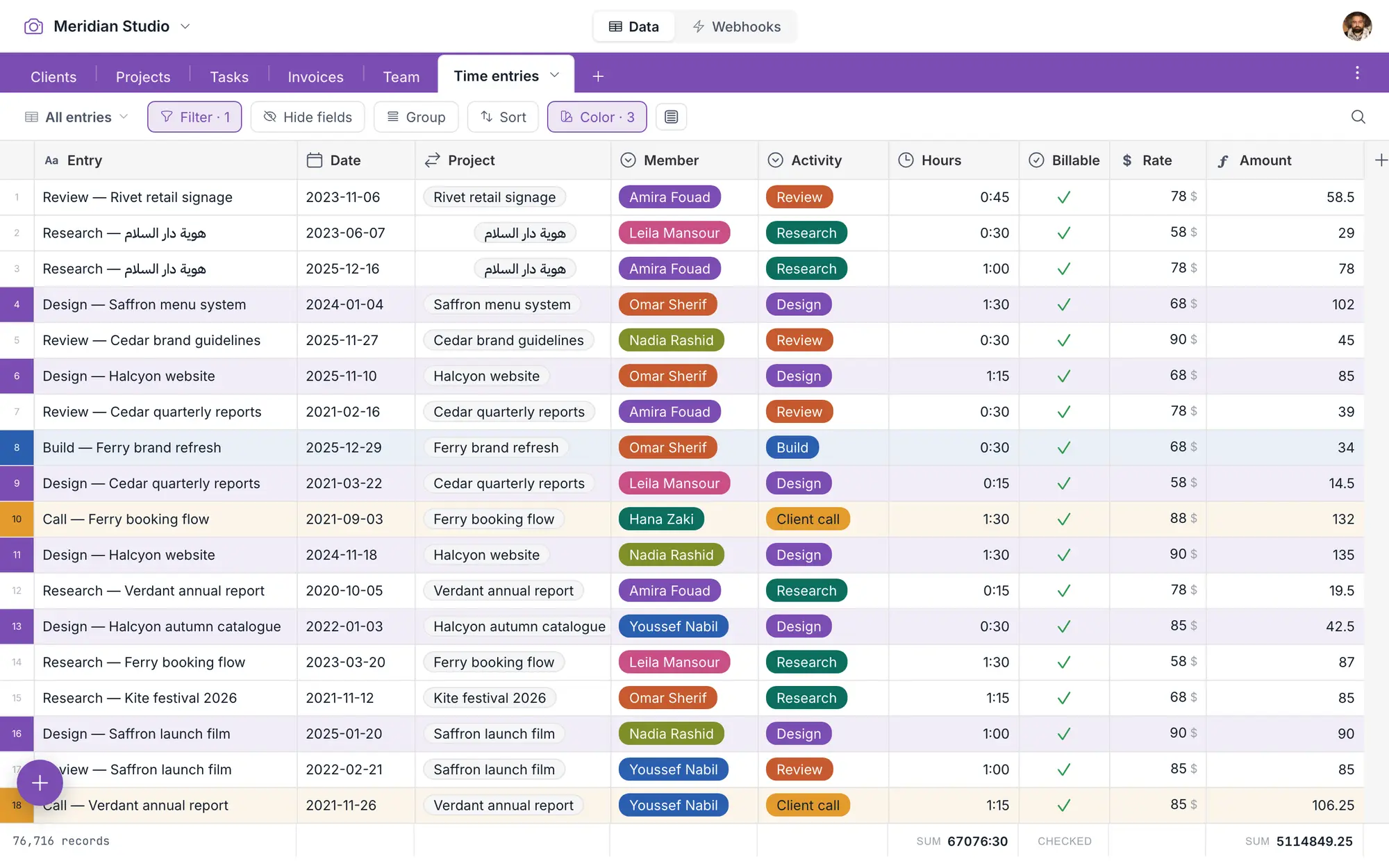
- Never trappedYour whole database, one file.
- Never a workspaceYour tables, and the quiet.
It’s always a grid, until it becomes a calendar, a gallery, or a kanban board.
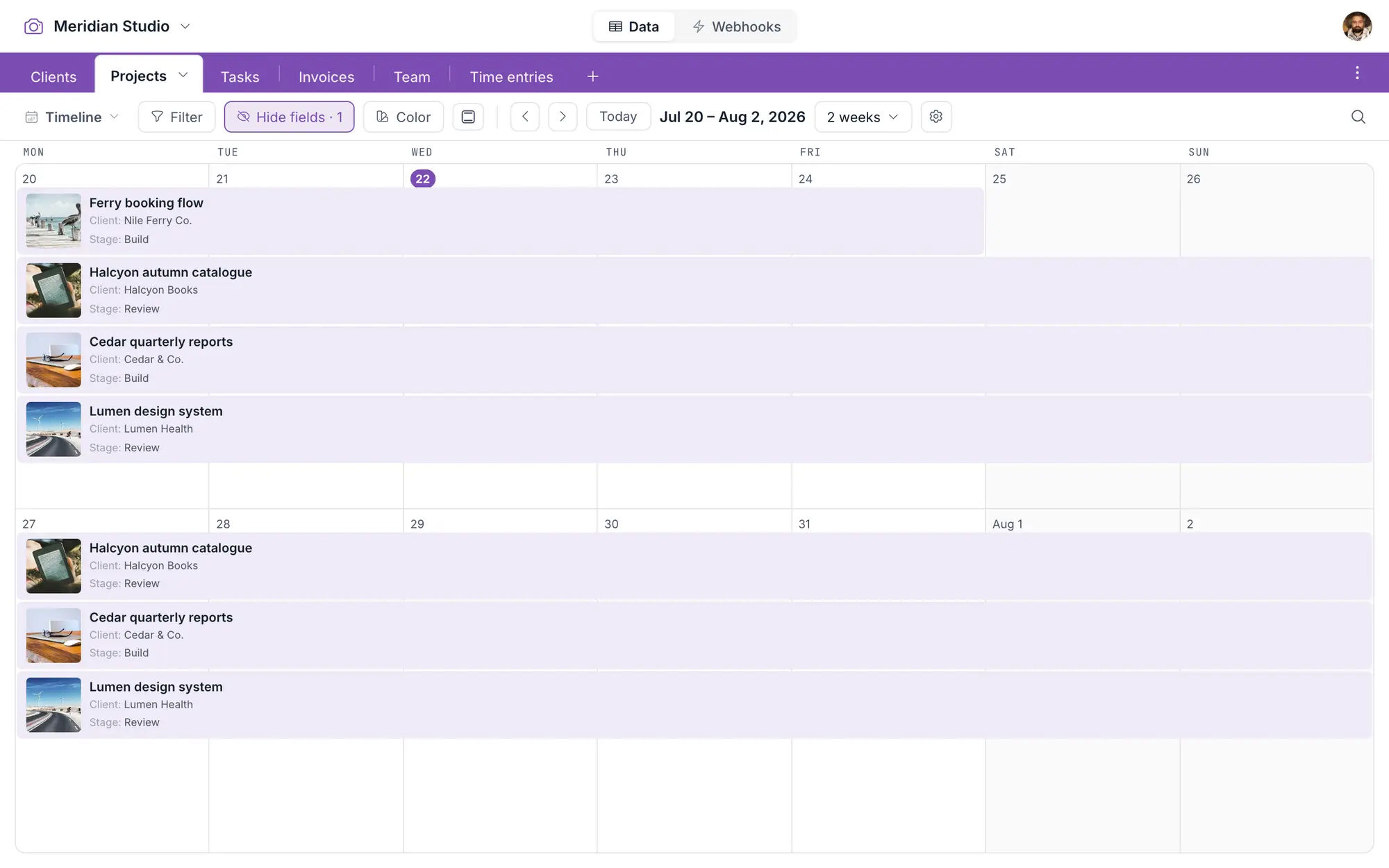
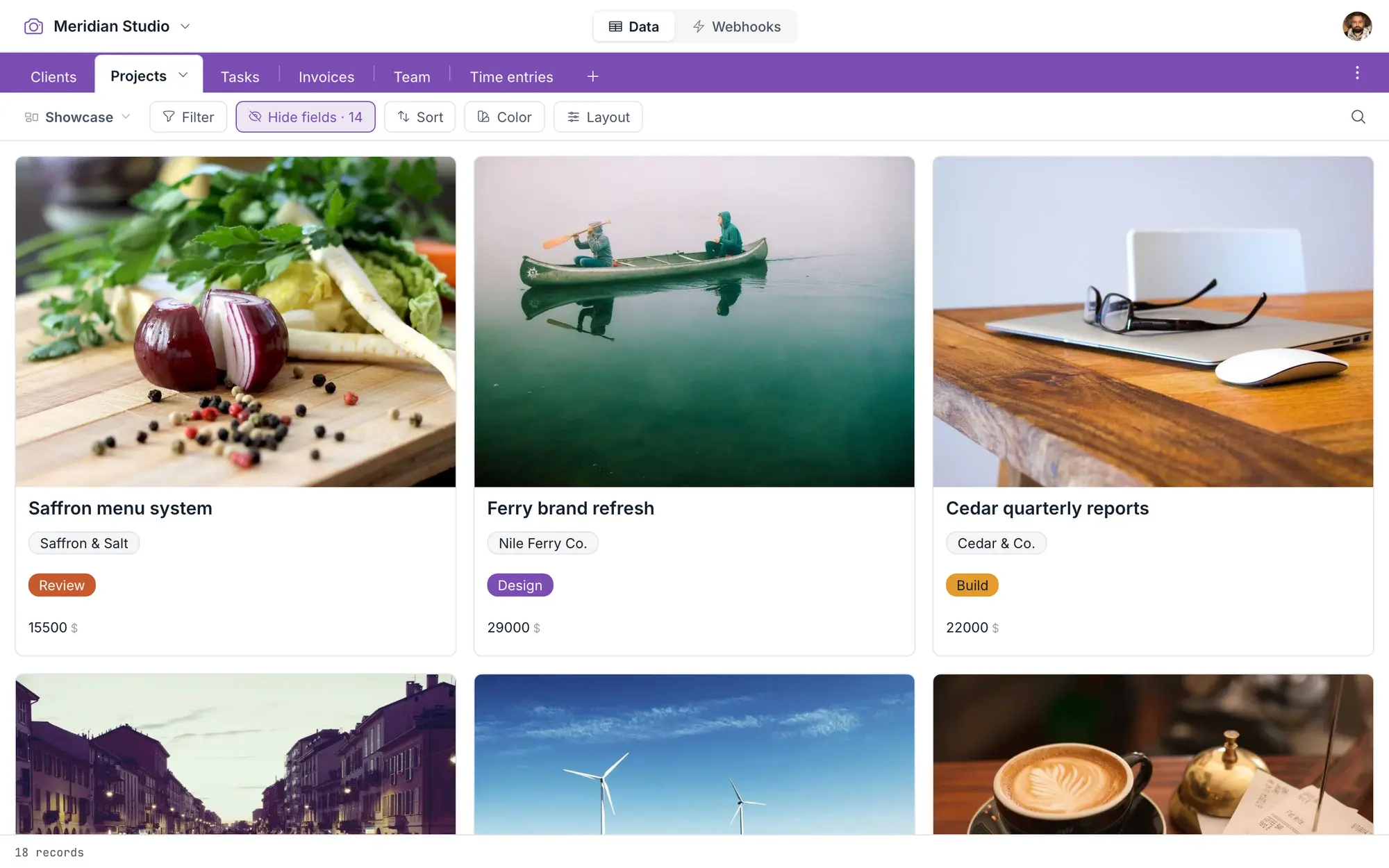
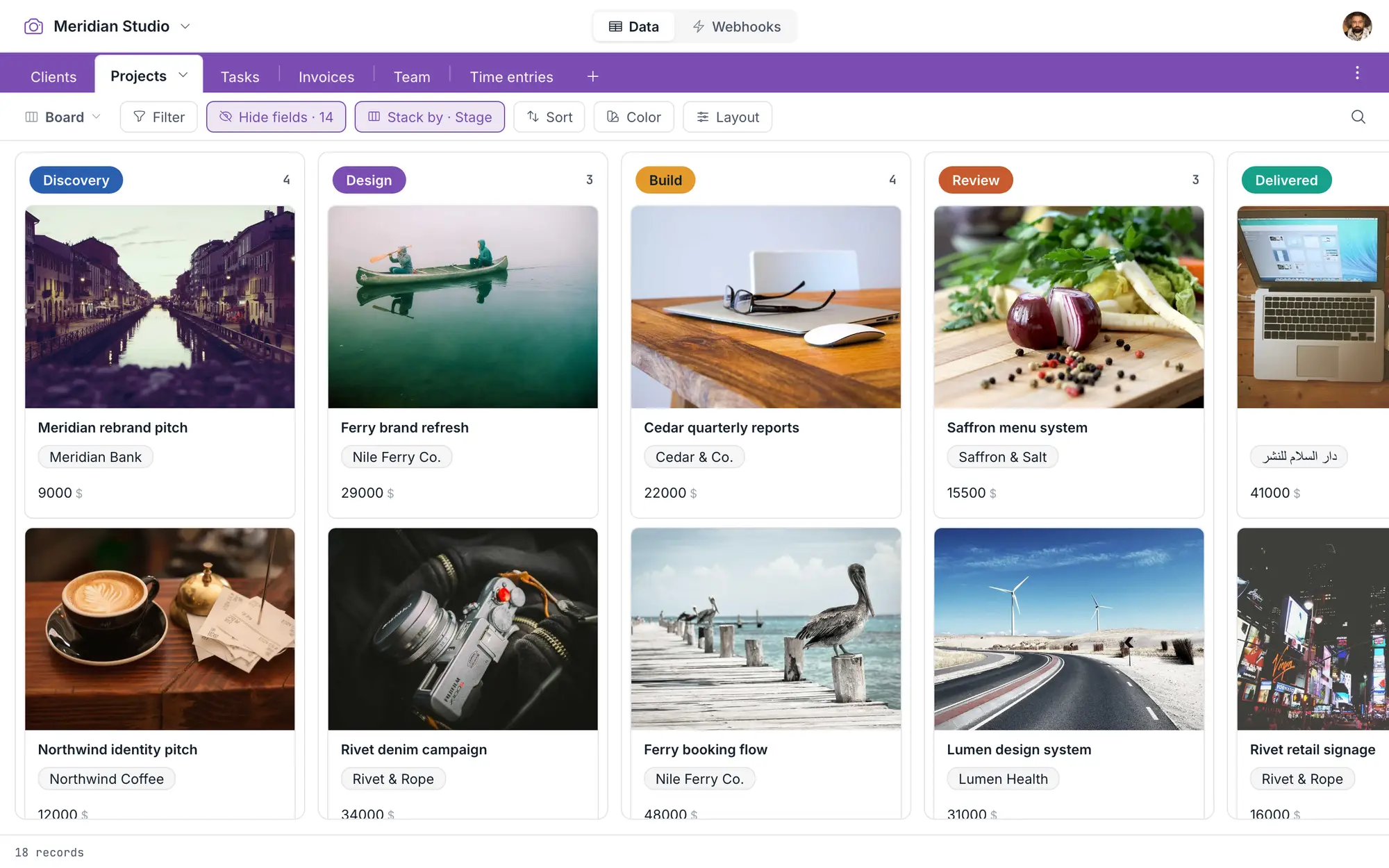
Start in the grid. Go wherever the work takes you.
One database, as many tables as your work needs — every field type, formulas, links, and filters. It’s a database, and it stays one.
A few shapes your tables can take.
No setup wizard — a few linked tables, the right views, and an honest afternoon of typing. There are worked examples to start from, and nothing in them you can’t rename or delete.
Bookings & stays
Arrivals on a calendar, statuses in color, the guest’s history one link away.
Clients & projects
Rollups total the invoices per client; links keep every project where it belongs.
Inventory & orders
Formulas keep the stock math; a kanban walks each order from placed to delivered.
Content calendar
A month of posts on a calendar; the artwork rides along as attachments.
Hiring pipeline
A kanban from applied to hired, with the CV attached to every record.
Events & guest lists
RSVPs filtered live, budgets rolled up, and the vendor contacts in one grid.
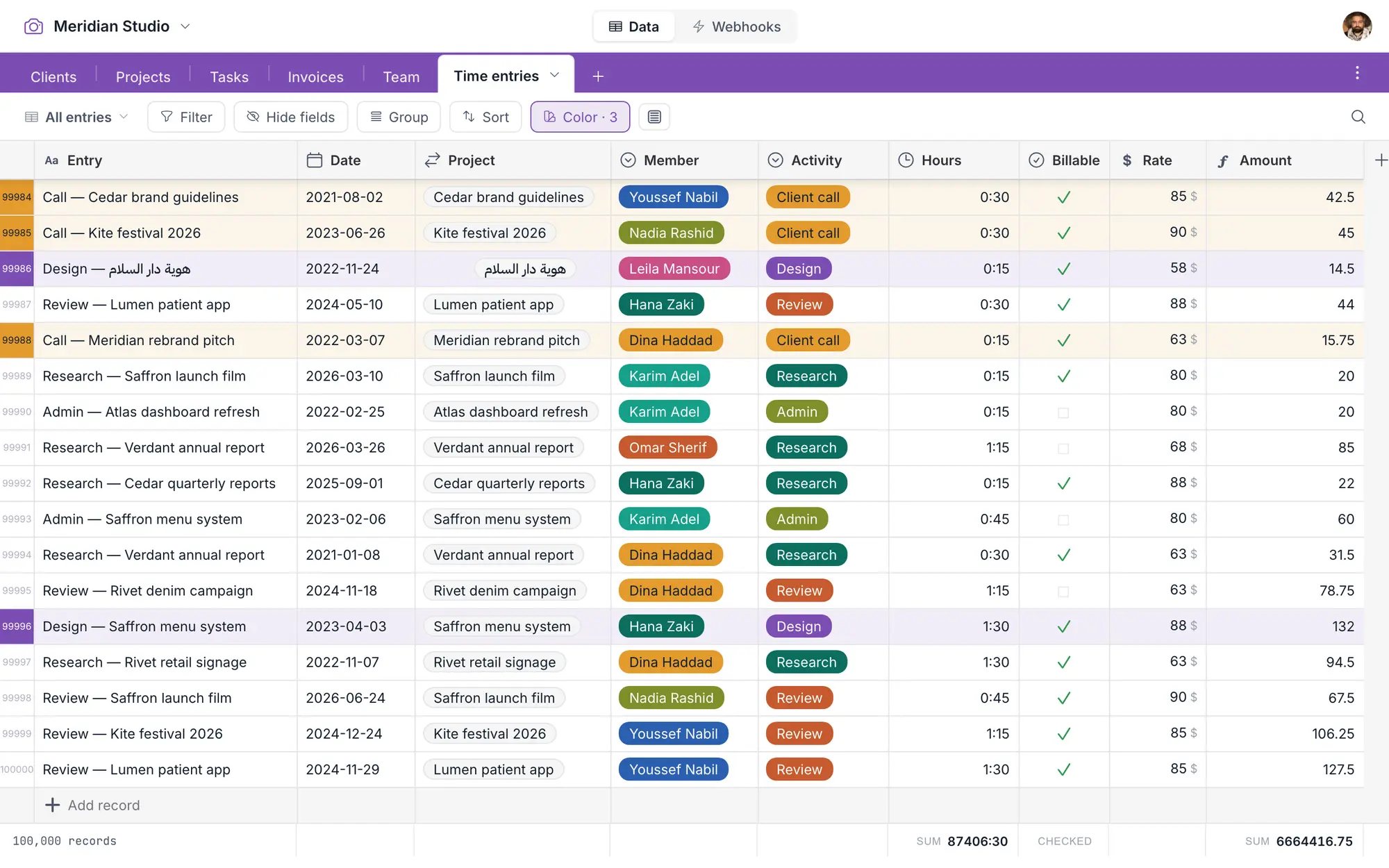
Bury it in data. It won’t blink.
Every table is a real database table underneath — so sorting, filtering, and searching stay quick as you go from a hundred records to a hundred thousand. Speed isn’t a plan tier here. It’s the floor.
Features are free. Pay only as your team grows.
Every feature is here from the first minute — nothing waits behind a bigger plan, because there is no bigger plan. Right now, while we’re in open beta, all of it is free.
- Every field type — currency, date, rating, select…
- Formulas, lookups, rollups
- Two-way linked records
- Every view — grid, calendar, gallery, kanban
- Webhooks — with delivery logs and replay
- Conditional record colors
- The whole-database export
- A million records per database
Cheaper at every size. And it stays that way.
The first editor is free; after that each editor is priced like a tax bracket — $6, then $8, then $10 a month — we stop counting at 25, and viewers are always free. A new bracket never re-prices the editors you already have.
Yours to keep. Yours to take.
One action pulls your whole database into a single file — every table, every record, every attachment. Not per-table CSVs, not a support ticket. Any day, for any reason, or none at all. Nothing here holds you but wanting to stay.
The whole thing. One file. Yours.
How the export works, and what happens if you ever stop paying — it’s all written down →
A quick click.
Fires when you want. Lands in your automation, fully loaded.
Set the exact conditions, make as many as you like, and point them at Make, n8n, or anything with a URL. In Make it goes further: Tabla is an app there — connect with a key, and read, write and trigger without building any of the plumbing. How it works →
- A booking flips to confirmed → your platform sends the confirmation email.
- Stock drops below ten → a reorder lands in your supplier’s inbox.
- A button on the record → press it, and your automation runs with the whole record attached.
Tabla fires the webhook. Your platform runs the automation. Nothing here is metered.
It does less. You do more.
It’s a database, not a workspace — no docs, no wikis, no whiteboards bolted on, nothing buzzing for you. The grid stays quiet until a color means something. Open it, do the work, close it. It’s built to be useful, and then to get out of your way.
A workspace
- Docs
- Wikis
- Whiteboards
- Chat9
- Dashboards
- Automations
- Notifications14
Tabla
- Clients
- Projects
- Tasks
- Invoices
- + new table
One of these wants your whole day. The other wants to be closed by lunch.
The small stuff only a builder would bother with.
The details that only bite on a Tuesday afternoon are already handled. None of it wins a comparison chart. All of it is the difference between a tool you use and a tool you fight.
- ✓Paste files onto a cell that already has some, and it asks — add these, or replace what’s there?
- ✓Change a field’s type and it refuses to guess — nothing converts unless every value fits.
- ✓Filter on a linked field. Just filter on it.
- ✓Undo. And a trash that holds records and tables for seven days.
- ✓One filter syntax — the same in the grid, the API, and your webhooks. Written down.
- ✓Upload a file through the API without a three-step dance.
The list is longer than this. See the full one, next to NocoDB →
Open, type, done.
New database
Name it and it exists — with your first table already in it, ready for typing.
Add fields
Pick each field’s type — text, date, currency, select, link. The grid shapes itself around your work.
Type
Every keystroke saves itself. Sort, filter, color, share — it’s yours from the first record.
Already have the data? Import it from Airtable, CSV, or Excel in one run →
The practical bits.
Is it really free?
Yes. Right now, while we’re in open beta, everything is free — every feature, for everyone. When we start charging, the first editor stays free and viewers always are.
What happens when we grow?
Editors are priced like a tax bracket — $6 a month each for editors 2–10, $8 for 11–20, $10 for 21–25 — and we stop counting at 25. Viewers are always free, and adding your eleventh editor doesn’t reprice the first ten. See the full pricing →
Can we bring our Airtable base over?
Yes — import it directly. Tables, fields, records, and attachments come across in one go. The detail, including what Airtable’s own export leaves behind →
Can we get our data back out?
One action pulls the whole database into a single file — every table as CSV, every record, every attachment, with a manifest. Free, on every tier, including the free one. How it works →
Is there an API?
One API, documented, with the same filter syntax you already use in the grid and in your webhooks. No second dialect to learn. Docs →
Can we self-host it?
No — Tabla is hosted only. We’d rather do one thing properly than two things halfway. The export is the answer to what self-hosting is usually protecting you from: you’re never stuck here.
Your first table is a minute away.
Free, in full, while we’re in beta. Every feature, nothing to unlock. No password to invent, no card to enter.