Adding and editing records in the grid
No Save button: every cell commits the moment you finish it. The add-record row, the type-Enter-Tab-Escape grammar, and what Saved. actually promises.
Updated October 2026
There is no Save button anywhere in Tabla, and that is the main thing to understand about editing. Every cell commits on its own, the moment you finish it, and the status strip at the bottom answers with Saved. The loop is: select, type, move on.
Add a row
- Scroll to the bottom of the grid. The last row is the Add record row — a quiet + below the data.
- Click it. A real record is created immediately, the grid scrolls to it, and its first cell opens for typing — so you can name the record in place without a second click.
- Type, press Enter, keep going.
On a long table you don't have to scroll: a round + button floats at the bottom-left whenever the Add record row is off-screen, and does exactly the same thing. An empty table offers Add record and Import data… right in the grid.
New rows land at the bottom. If the view has a sort, the row files into its sorted place on the next reload.
Duplicate a row
Right-click any row and choose Duplicate record. You get a new record carrying this one's values and its links, filed at the bottom of the table.
Select several rows first and the same item reads Duplicate 4 records — one gesture for the lot. The record panel's ⋮ menu has it too, for the record you already have open (the record panel).
Two kinds of field are deliberately left empty in the copy, and the confirmation says which:
- A field that must be unique. Copying the value would collide with the row you copied from, so the new record needs one of its own.
- A link that only holds one record at a time. Copying it would not copy the link — it would move it off the original, which is not what "duplicate" should ever mean.
Everything else comes across. There is no keyboard shortcut for it.
Duplicating a set so you can change one field on the copies? In a view with no sort and no grouping they arrive together at the bottom of the table, so type the new value into the first copy and fill it down over the rest — see Fill many cells at once below.
Edit in place
Click a cell to select it, then:
- Type — the old value is replaced and you're editing. The spreadsheet reflex.
- Enter or double-click — opens the editor with the value intact, for changing part of it.
- Enter while editing — saves and moves on. Tab saves and moves along the row.
- Escape — cancels. The cell returns exactly as it was, nothing written.
- Backspace — clears the selected cell.
That's the whole grammar, and it's the same for every field type. The full key list — selection, ranges, the record panel — is in keyboard shortcuts.
Fill many cells at once
Three ways to put one value into a run of cells:
- Paste over a selection. Copy a cell (Cmd+C), click the first cell of the run, Shift-click the last, and paste (Cmd+V). Every selected cell gets the value — across several columns at once, too.
- Drag the fill handle. A selected cell shows a small square in its bottom-right corner. Drag it down, and every cell it passes over gets the value. To cancel a drag, let go outside the grid.
- Cmd+D (Ctrl+D on Windows). Select from the cell holding the value down to the last cell to fill, and the top cell copies into the rest.
Each is one action and one undo step, and the status strip counts what landed: Filled 28 cells. A column that can't take the value — a formula, a column of files, a field that must be unique — is skipped and named. The fill handle needs a mouse or trackpad.
Each type brings its own editor
What opens when you edit depends on the field:
- A select opens its choice menu — chips, type to filter, and an inline Add choice for a value that doesn't exist yet (select field).
- A date opens a calendar; typing
2026-08-12works too (date field). - A rating sets by clicking a star in the cell, or type the number.
- A checkbox has no editor at all — click toggles it.
- Long text grows into a floating editor over the grid; Shift+Enter adds a line.
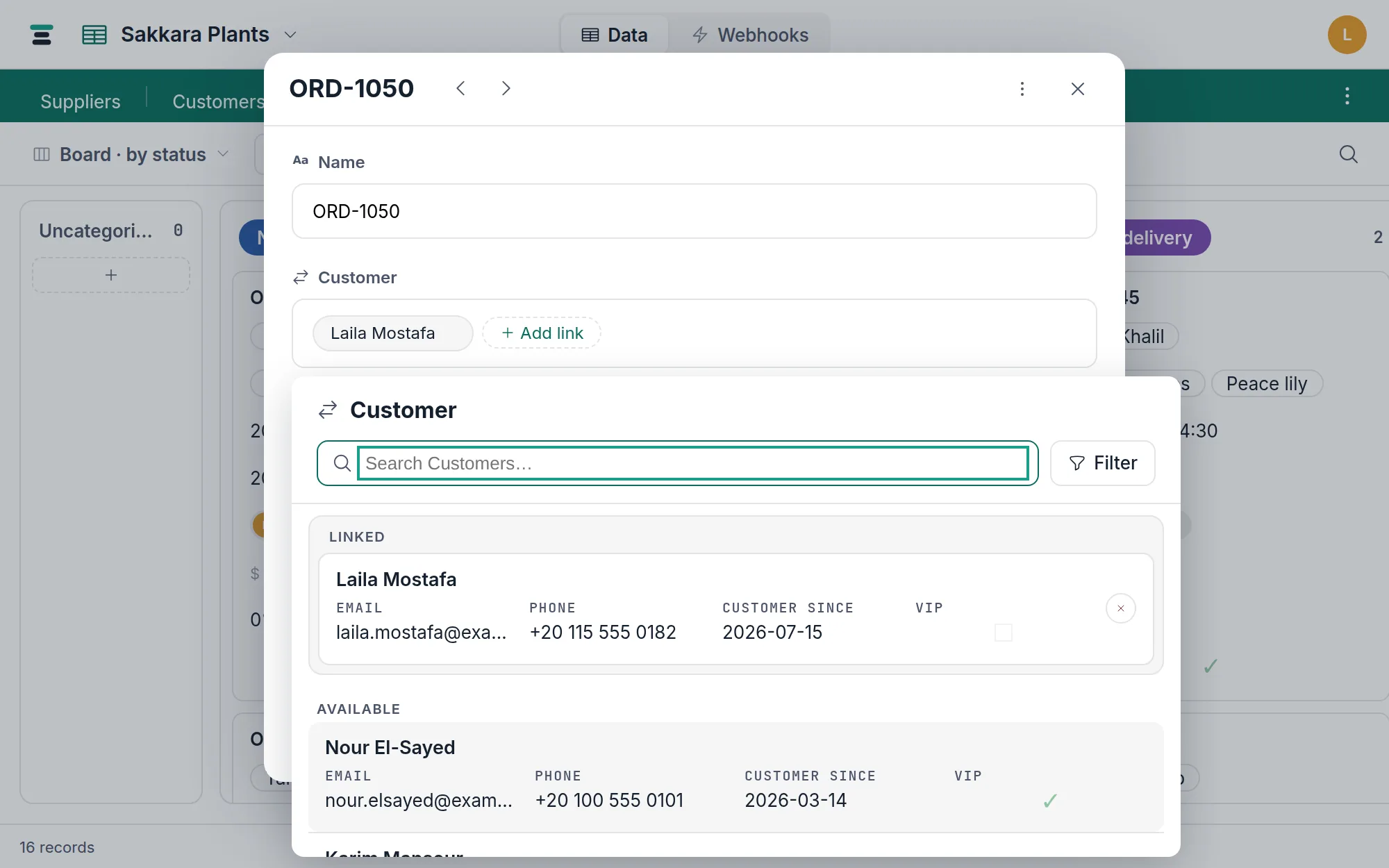
- Links and attachments open their own pickers rather than a text editor.
What "Saved." promises
When the strip says Saved., the server has written the change and sent the record back — the row on your screen is the server's copy, not an optimistic guess. The message fades after 1.6 seconds because there is nothing further to do.
A write the server refuses says so instead, in a message that holds long enough to read (12 seconds) and names the problem — a duplicate in a unique field, a record someone else changed first (editing together), a record already in the trash. The cell snaps back to the truth; nothing is left painted that didn't save.
The questions people ask
Can I edit many cells at once? Yes — paste one value over a selection, drag the fill handle, or press Cmd+D, as above; Delete clears a selected range (on a Mac, Backspace too). Each is one action and one undo step. Details in pasting.
Where's the rest of the record? The grid shows a row; the record panel shows the whole record in one column. Hover the row and click the expand button, or press Space.
I deleted the wrong row. Cmd+Z brings it back, and the trash holds it for 7 days either way — undo and redo explains the split.