Start from a spreadsheet you already have
Upload a CSV or Excel file, correct the field type guessed for each column, and import. A CSV has no row limit; Excel takes 20 MB and 50,000 rows a run.
Updated September 2026
Most first databases aren't typed in — they're a spreadsheet somebody has been nursing for a year. The import wizard reads a CSV or Excel file, guesses what each column is, shows you the guess next to real sample values, and lets you correct it before anything is created.
The promise underneath: nothing is written until the values have been checked against the types you approved. An Excel file is checked whole; a CSV is streamed in batches, so past the first 2,000 rows a failure leaves what already landed — and says how many. The wizard guide has the detail.
Where Import lives
Three doors, one wizard:
- Starting fresh: click New database and pick the Import a spreadsheet card. Tabla makes the database first, then opens the wizard on arrival — and once the rows land it opens the database's name ready to type over, since a database made this way starts out called "Untitled database".
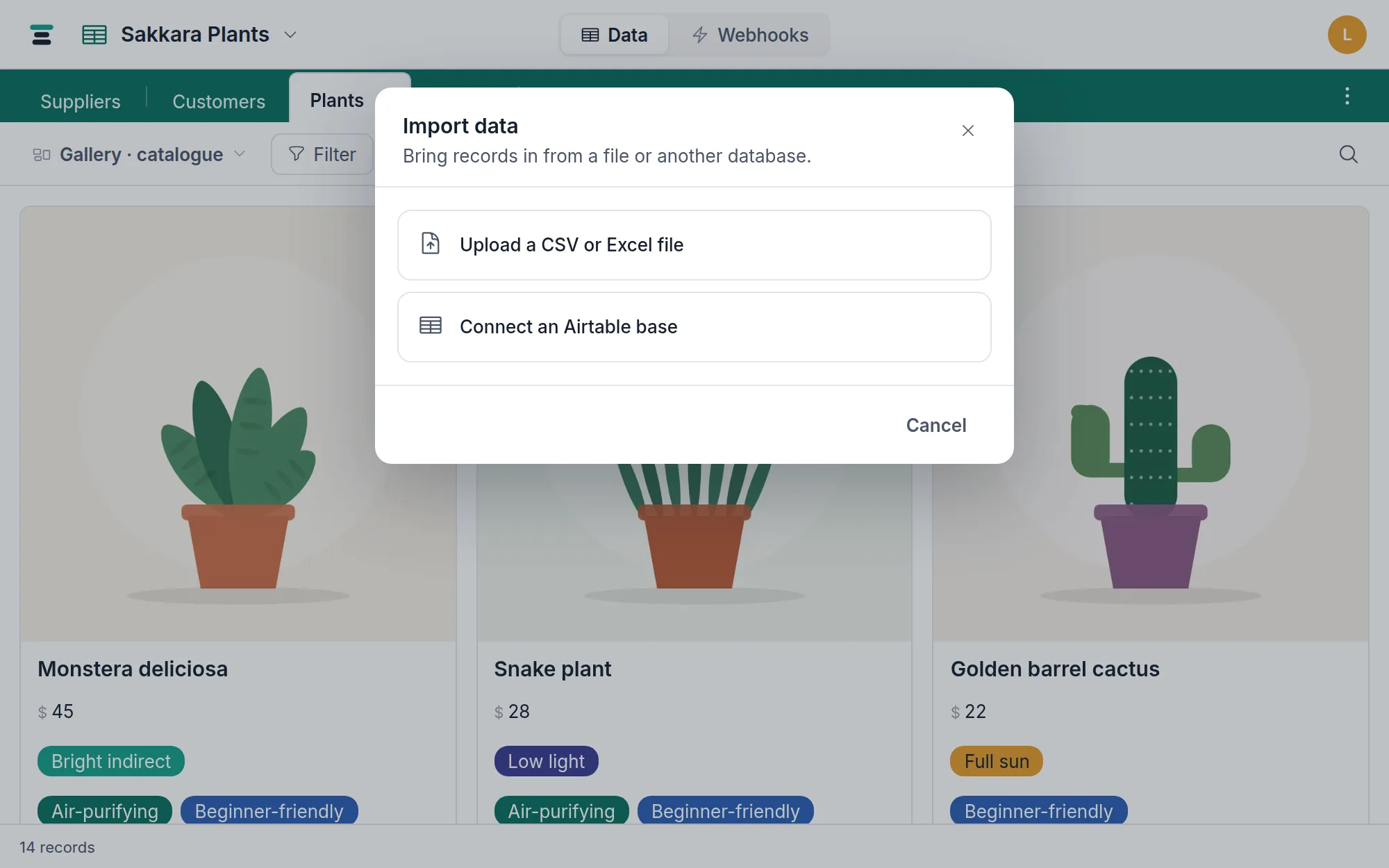
- Inside a database: the ⋮ button at the right end of the table tabs → Import data….
- Either way you land on a two-option dialog: Upload a CSV or Excel file, or Connect an Airtable base — that second path has its own guide.
Pick the file, read the guesses
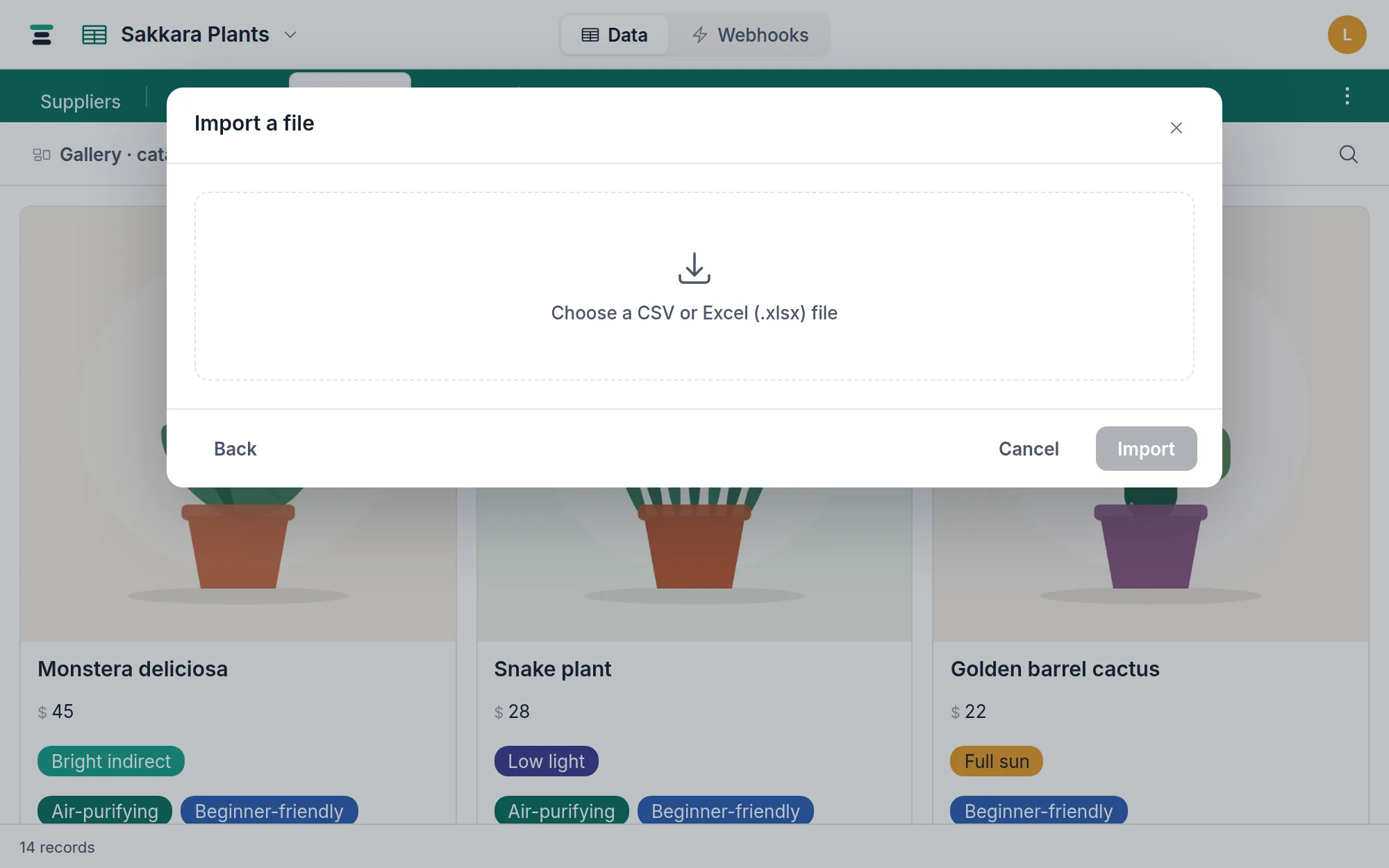
Choose a .csv, .tsv, .xlsx or .xls file. The first row is read as
headers; an Excel workbook imports its first sheet only, and the header line
tells you how many rows were found and how many extra sheets were ignored.
For each column, the wizard shows the header, a few sample values, and its guess at a field type, worked out from the samples:
true/false,1/0,yes/no→ Checkbox- Numbers → Number — or Currency when the header sounds like money ("price", "cost", "total") and every value has two decimals
85%→ Percent- ISO dates and
n/n/yyyydates → Date - Addresses and links → Email or Web address
- A column of short values that keep repeating ("Paid", "Pending") → Single select; delimited lists ("Fern; Indoor") → Multi select
- Anything long or multi-line → Long text; everything else → Single line text
One guard worth knowing: a column like 00123 is never guessed as a number,
because a number would eat the leading zeros. IDs stay text.
The preview is editable
The guess is a pre-filled default, not a decision. Per column you choose:
- Create new field — rename it, or change the type from the dropdown.
Blank headers become
Column 3; duplicate headers get a2appended. - Skip — the column never lands.
- Map to existing field — offered when you import into an existing table (that flow has its own page); only type-compatible fields are listed.
Slash dates get one extra control: Read dates as, month-first or
day-first. 03/04/2026 is 4 March or 3 April depending on where the file
came from, and when no sample has a day above 12 the wizard says so plainly —
"both readings fit — worth a look." This is the one choice that can import
silently wrong dates, so it's the one worth ten seconds.
Validate, then write
Click Import N rows. The importer coerces the cells before creating anything. A value that doesn't fit its column — "TBD" in a currency column, a date the importer can't read — aborts the run with the row number and the reason.
For an Excel file, and for a CSV up to the first 2,000 rows, that abort takes everything with it: no table, no fields, no records. Fix the cell, run it again. Past 2,000 rows a CSV is sent in batches, so the rows already written stay and the error counts them for you — the row number it names is the one inside the batch that failed, not the line number in your file.
When it finishes, you land on the table holding the rows you just imported — not on whatever table you happened to be looking at when you started.
Two honest edges:
- A dropped connection is the one failure this ordering can't prevent. The wizard says so plainly rather than spinning, and what had already been written is still there.
- A "select" column that turns out to have more than 100 distinct values is refused with the count — that isn't a select, and the wizard suggests importing it as text instead. On a long CSV that count is only known once the batch holding those values is sent, so this one can arrive after rows have landed.
Limits
A CSV or TSV has no limit. Your browser reads the file where it already sits and streams the rows in, so a 500,000-row export imports like any other — with a progress bar and a Stop import button. The ceiling is your database's own 1,000,000 records.
An Excel workbook takes a file up to 20 MB and 50,000 rows per run, since
a .xlsx is a zip and has to be opened whole. Save it as CSV to lift that
entirely, or split the sheet. Everything around these is listed in
Limits.
The questions people ask
What happens to formulas in my spreadsheet? Their current values arrive; the formulas themselves don't. A CSV never contained them anyway. Rebuild what still needs computing with a formula field.
Can I re-import the same file later? Yes, but nothing deduplicates — importing twice into one table means every row twice. Import into a new table when in doubt; deleting a table you got wrong takes one menu.
Does a Tabla export re-import cleanly? Yes — the
export writes standard CSVs, and the importer
reads its own exporter's output back without mangling values (phone numbers
with a leading + included).