The duration field: reads h:mm, stores seconds
Type 1:30, 1m 24s or 90s; Tabla stores seconds, which keeps sums and averages exact. The three formats — h:mm, h:mm:ss, mm:ss — and the API shape.
Updated September 2026
A duration is a length of time — how long a delivery window is, how long a
call took. You read and type it as hours and minutes; Tabla stores it as a
single number of seconds. In the demo plant shop, Delivery window on the
Orders table shows 2:00; the stored value is 7200.
That storage choice is the whole story of this field, so it gets its own section below.
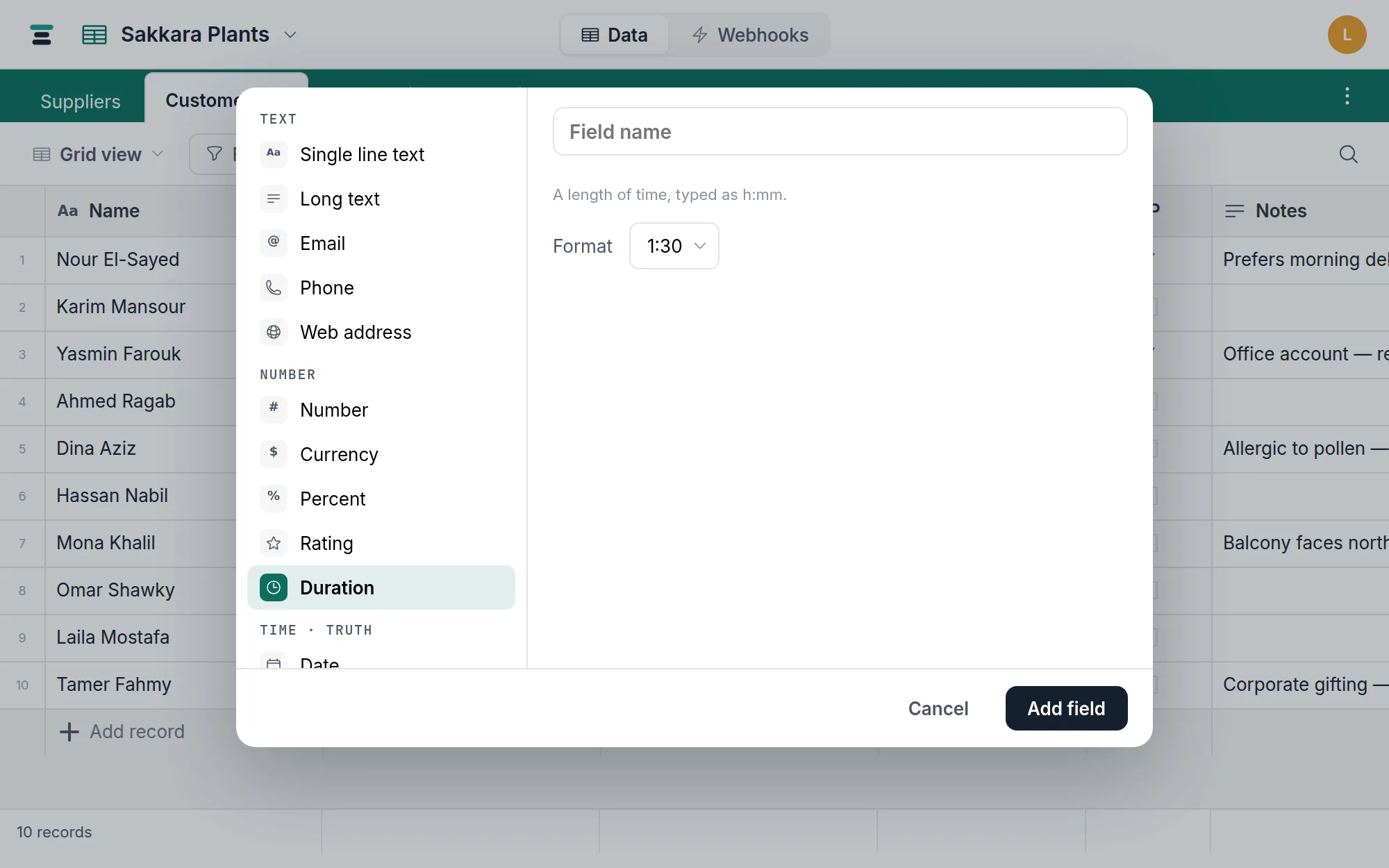
One option
Format — how the cell reads:
1:30— hours and minutes (h:mm), the default.1:30:00— hours, minutes, seconds (h:mm:ss), for durations where seconds matter.1:24— minutes and seconds (mm:ss), for the short ones: a track, a drill, a call. Minutes keep counting past the hour here, so ninety minutes reads90:00rather than quietly losing an hour.
A value with seconds shown in h:mm displays rounded to the minute; the
stored seconds are untouched, and switching the format reveals them again.
Typing durations
Say the units and there's nothing to work out: 1m 24s, 90s, 2h,
2h30, 1.5h, 1h 2m 3s all mean what they look like, in any format.
Colons read against the format you picked. 1:30 in an h:mm field is an
hour and a half; 1:24 in an mm:ss field is a minute and twenty-four
seconds. Three parts are always hours, minutes and seconds — 0:01:24 — so
that shape works everywhere.
A bare number is read in the smallest displayed unit — 90 in an h:mm
field means 90 minutes (1:30), and in an h:mm:ss or mm:ss field means
90 seconds — so what you type matches what you're looking at.
Arabic-Indic digits are read as digits: ١:٢٤ is the same as 1:24.
Anything only half-understood is refused rather than guessed at — 1m 24x
doesn't quietly become one minute. A typo that doesn't parse reverts to the
current value rather than storing garbage, and negative durations are
refused.
Why seconds make the math right
Sixty is a terrible base for arithmetic, so Tabla never does arithmetic in
it. Every duration is one number of seconds, which means
summaries, filters, sorts,
and rollups are plain numeric operations that happen
to display as time. Sum 0:45 and 0:45 and the footer says 1:30 — the
engine added 2700 and 2700 and dressed 5400 back up. Nothing is parsed at
read time, so nothing can round oddly or drift.
Blank cells behave like any number field's: skipped by Sum and Average,
never counted as 0:00. Filtering compares seconds — is greater than
with 3600 finds everything over an hour.
Over the API
Seconds, both directions:
{ "fields": { "Delivery window": 7200 } }
Reads are always a number of seconds — format it yourself. Writes accept a
number of seconds or a colon string: sending "1:30" stores 5400. A
negative value is refused with Field "Delivery window" can't be negative.
Clear with null.
Note the difference from typing in the grid: over the API a bare number is always seconds, whatever the display format — the smallest-displayed-unit rule is a screen convenience only.
When it's the wrong field
- A moment — "delivered at 14:30" is a point in time, not a length of it. That's a date field with time on.
- Days-long spans — the display tops out at hours (
36:00, not1 day 12:00). Real, but worth knowing before you store project durations; a plain number of days may read better. - Derived spans — if the duration is "Deliver by minus Placed", store the two dates and let a formula do the subtraction.
Duration shares the numeric column with the rest of the number family, so
converting to a plain number is free — the
cells start showing the seconds. Converting to text writes what you were
reading instead (1:30), and converting a text column into a duration reads
1:30, 2h30 and 90s — with a bare number as seconds, the same rule as the
API.